
The AI setup
With the tech stack decided, it was time to actually start building. For this revival, modern AI coding tools are at the center of the workflow, and I’m learning an enormous amount every single day just from steering them.
My core tool for development is Cline inside VS Code, paired with OpenRouter. Having an agent directly in the editor that can inspect the codebase, create files, and iterate alongside me changes how fast ideas turn into running code.
For the very first draft, I chose Kimi K3 as the underlying model.
Instead of dumping a huge list of game design requirements on it, I kept the initial prompt deliberately minimal. I showed it my old sprite assets and gave a simple instruction: keep it lightweight for now. No complicated mechanics, no premature optimization, and no sprite atlas parsing yet.
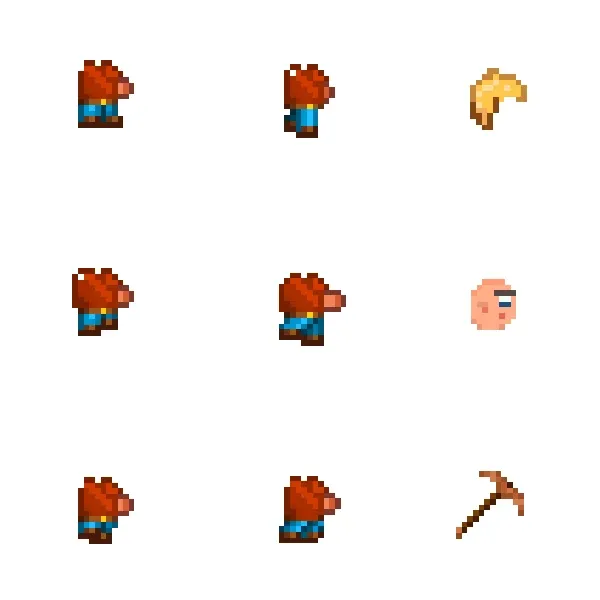
All I wanted for step one was a clean canvas project with my hand-pixeled character rendered on screen.
Starting simple was crucial. It is easy to overwhelm an AI model by asking for a complete inventory system, physics engine, and map editor all at once. By scoping the initial task down to just initializing the canvas and drawing the character, we got a working prototype running in minutes without unnecessary boilerplate.
The sprites, animations, and movement logic can wait for the next step. Having that first character stand on an empty canvas felt like the real starting line. I’m documenting this whole journey from day one, and there is a lot more to come. Follow along if you want to see where it goes.