

- Day 1
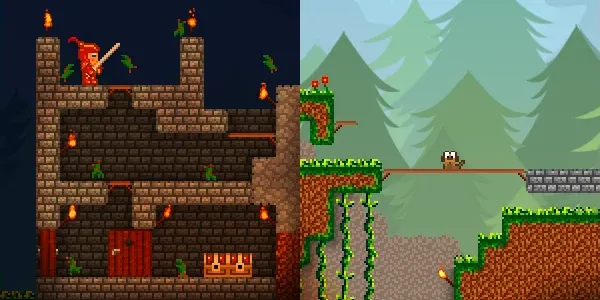
How it all started (again)
The message I sent to my old coding partner that set the revival of Buildom in motion. Here is why I am bringing a 15-year-old game dream back to life with modern AI.
- Day 2
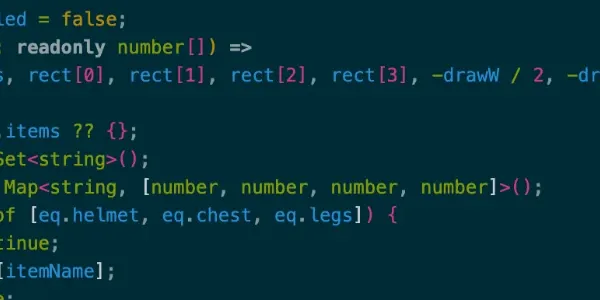
Choosing the tech stack
That Buildom would be a canvas game was set from day one. But I wanted a rock-solid web app around it with client storage, internationalization, and a modern SPA feel. Here is why I picked Next.js.
- Day 3
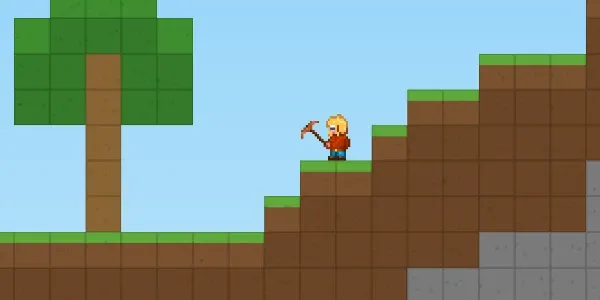
The AI setup
How I set up Cline with OpenRouter and Kimi K3 to get the very first lightweight canvas prototype running with my original pixel character.
- Day 4
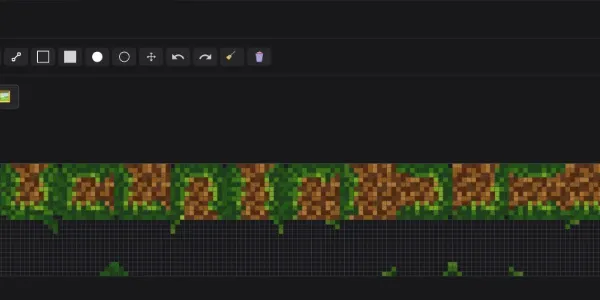
Building my own pixel editor
15 years ago I used Photoshop to draw game assets. Today, with AI assistance, I built my own dedicated pixel editor with only the features I actually need.
- Day 5
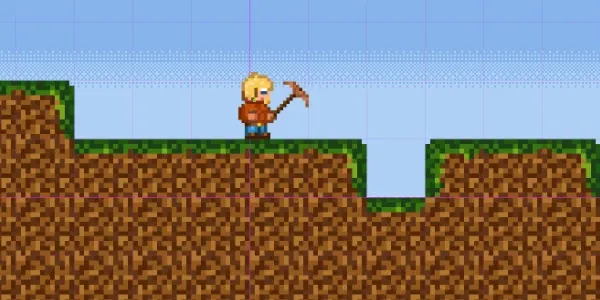
Building a test mode right from the start
AI coding tools work best with fast, reproducible feedback loops. Here is why I built a decoupled test mode into Buildom right at the start.
- Day 6
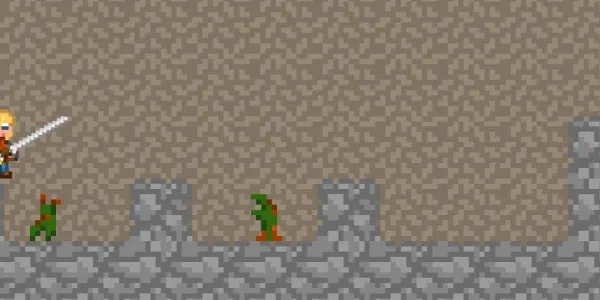
The first enemy: zombie hands
Buildom has its first real enemy. Zombie hands that spawn in caves, follow the player, and attack. The first taste of actual game mechanics and collision detection.
- Day 7
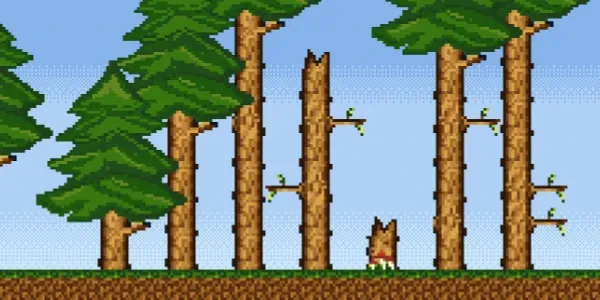
Building the pine
Buildom finally has vegetation. The pine tree is built from dedicated plant parts instead of terrain blocks, and a new plant mode in free mode lets me place whole trees or single parts to see how everything works together.
- Day 8
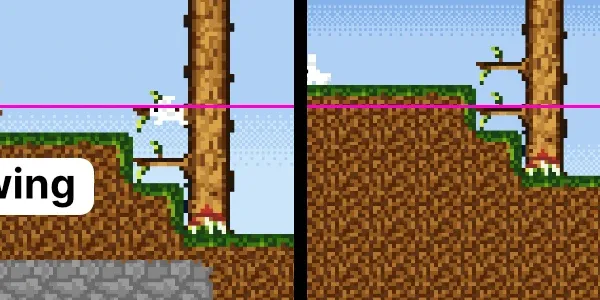
Switching the camera mode on the fly
A camera glued to the player or one that lets him roam? I could not decide, so I built both and a toggle to switch between them while playing. Here is how each mode feels and why the switch made the difference.
- Day 9
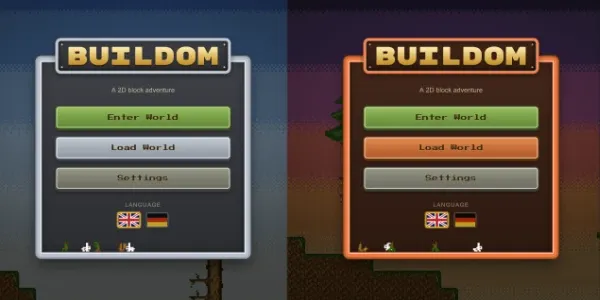
A main menu that follows the sun
The main menu went through three redesigns in two days: simple frames, a golden banner, and a background that renders the real game world. Then I made the whole thing react to the time of day. Here is how it works.
- Day 10
From browser tab to desktop app
I wrapped the game in an Electron standalone build and put it up on GitHub Releases for anyone to download. It is far from finished, but honest feedback beats a polished secret.
- Day 11
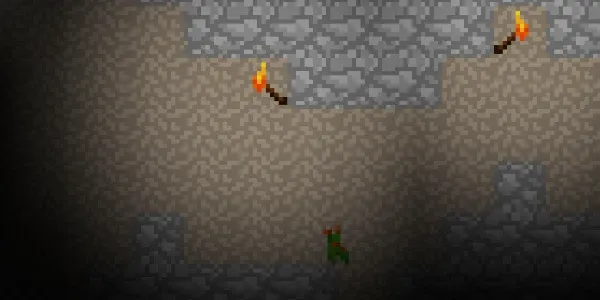
Let there be light
The world of Buildom had no atmosphere, literally. A new fog system, torches, and a proper light model now give caves darkness, torches a warm glow, and the whole world a mood.
- Day 12
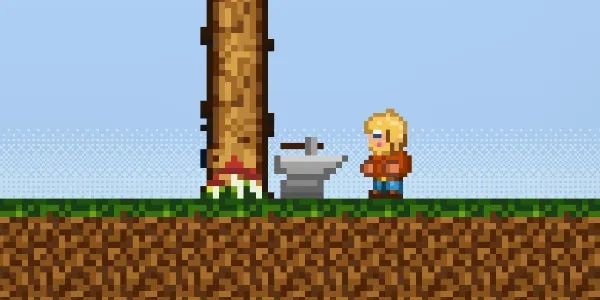
Irons in the fire
Buildom got a forge and an anvil, so now there are literally irons in the fire. Ore, timber and a crafting dialog turn into pickaxes, longswords and steel armor, which finally makes the dark world below the surface worth a trip.
- Day 13
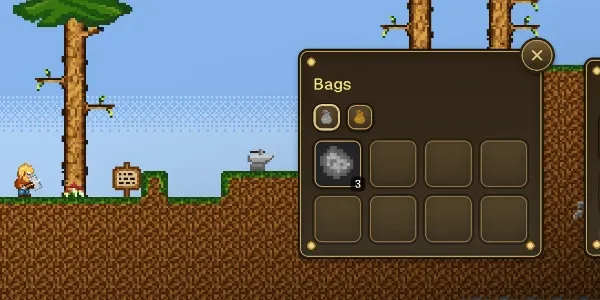
A character panel with a view
The HUD got its biggest upgrade so far: draggable panels that remember which screen edge they live on, and a character panel whose doll stands in a real, fully canvas-rendered cave scene with torches and fog.
- Day 14
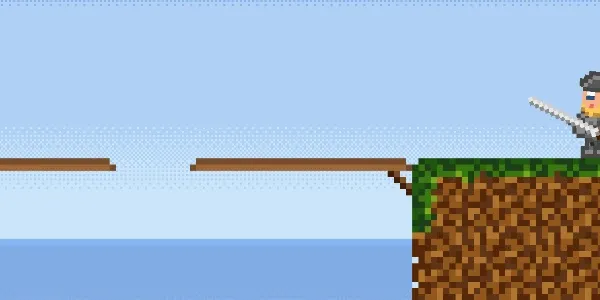
Platforms you can jump through
I was done filling every gap with dirt, so Buildom got platforms: planks you jump through from below, stand on from above, and drop back through when you are done. Bridges, ladders and one-way routes, all from two wood.
- Day 15
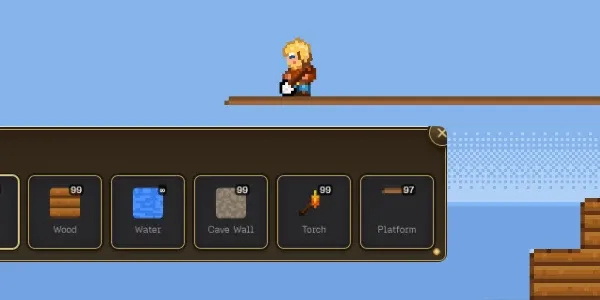
If you can dream it, you can build it
Buildom got a builder mode: an empty canvas, every block including mineable ore, placeable creatures, and a straight path from blueprint to playable adventure world.
- Day 16
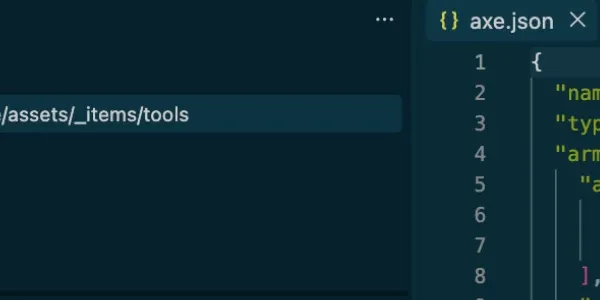
A small contract for my asset folders
I reworked how Buildom's assets are organized: a handful of fixed category folders, everything inside them free to move, and a generated manifest that killed every hardcoded asset mapping in the code.
- Day 17
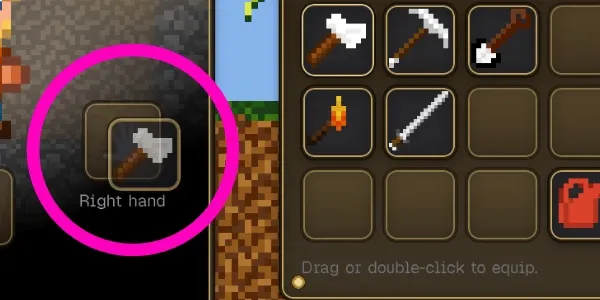
One slot to rule them all
Inventory, bags and equipment slots shared 90% of their logic across three components, and that duplication caused item loss, double-click drags and silently deleted armor. This round I unified them into one ItemSlot and rewrote drag-and-drop around it.
- Day 18
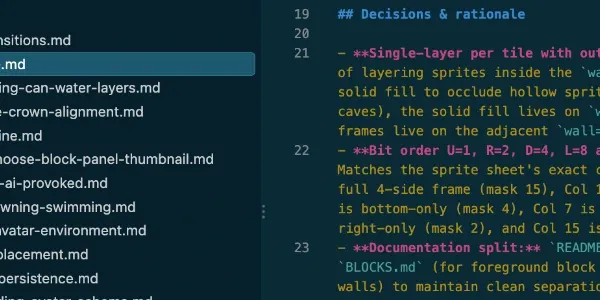
My AI log remembers so I do not have to
Thirty-six sessions into Buildom, my most useful file is not code, it is a folder of AI session logs. This is how I record what was built, why it was built, and which approaches failed, so the next session never re-walks a dead end.
- Day 19

A refactoring folder that reviews my codebase for me
After two big refactoring waves I stopped trusting my memory about code health. Now a docs folder holds what was done, what is gated behind profiling, and a table of regression indicators with hard numbers. Every few weeks I re-measure, update the numbers, and get a verdict.
- Day 20
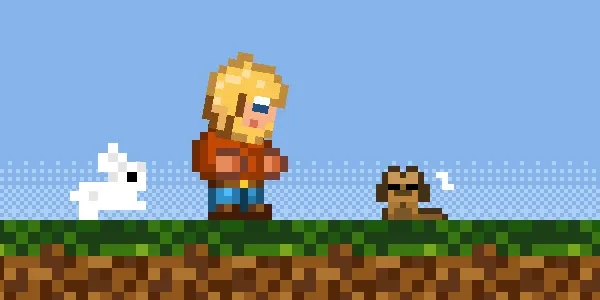
Doogie, the first pet
Buildom has its first companion. A little dog that shows up when you stand still for a bit, wanders around, falls asleep next to you, and despawns when you run too far. Being alone in a world is just dull.
- Day 21

My Cline cloud agents beta invitation could not have come at a better time
I got invited to the Cline cloud agents beta and handed the whole game project over to it. One GLM run later the combat rework, armor, HP bars and a pile of strictness fixes were merged, and I barely touched a thing.
- Day 22
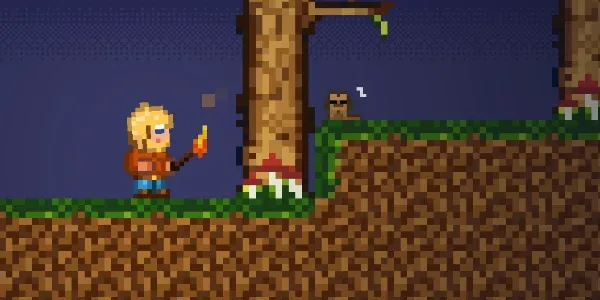
Daytimes are here, and the torches finally matter
Buildom now has a real day/night cycle: the sky crossfades through morning, noon, evening and night, the world sinks into darkness, and my torches punch warm light through it. Watch the video.
- Day 23
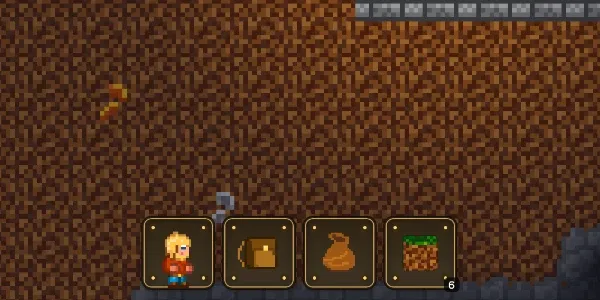
Buildom is mobile ready, and that changed everything
The game now works on a phone. Portrait, landscape, touch controls that feel right, panels that fit, and a camera that locks on the player instead of asking you to scroll to find yourself. It took the whole gameplay loop into the passenger seat.
- Day 24
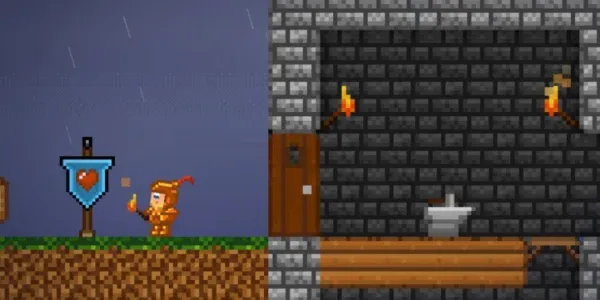
Rain and thunder are here, and the world feels alive
Buildom now has weather: rain rolls in, the puddles glimmer, and thunderstorms light up the sky and shake the screen. Watch the video.
- Day 25
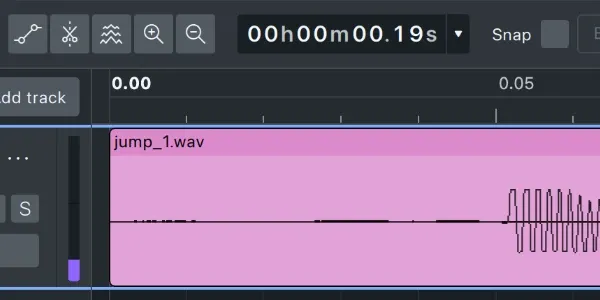
The world stopped being silent
Buildom has sound effects now: footsteps, splashes, chopping and a death jingle, all driven by a tiny one-shot engine and a set of chiptune sounds that were generated by a script, not recorded.
- Day 26
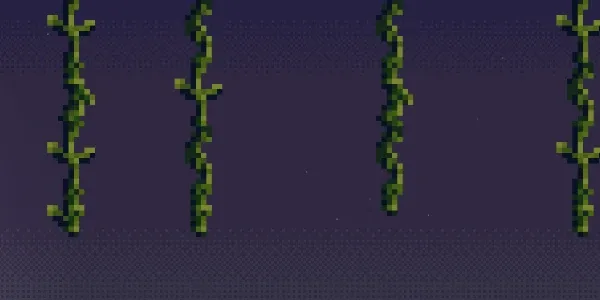
Hanging around: vines you can climb like Tarzan
Buildom's grass now grows vines that hang down over time, and the player can climb them: hang on, scramble up, slide down and hop off onto ledges you could never reach before.


